Days Since Tracker vs Habit Tracker: Which Do You Actually Need?
There are two fundamentally different questions you can ask about your habits:
- Did you do it today?
- How long has it been?
These seem similar, but they lead to radically different tracking experiences. The first is the domain of the classic habit tracker. The second belongs to the days since tracker. Understanding which question matters more for the things you want to track will save you from downloading the wrong app — and abandoning it two weeks later.
The Habit Tracker Model: "Did You Do It Today?"
Traditional habit trackers are built around daily check-ins. You create a list of habits — meditate, exercise, read, drink water — and each day you tick them off. The app rewards you for consistency, usually with streaks, and penalises you for gaps.
This model works well for a specific kind of activity: things you genuinely want to do every single day. Daily meditation. A morning run. Journaling before bed.
But here is the problem: most of the things people want to track are not daily habits.
When did you last change the water filter? How long since your last dental check-up? When was the last time you called your mum? How many days since you deep-cleaned the kitchen?
These questions do not fit the daily checkbox model. Forcing them into a habit tracker creates noise — a grid full of unchecked boxes for things that were never supposed to be checked daily in the first place.
💡 The tracking mismatch
Research suggests that the average person has only 3 to 5 genuine daily habits. Yet most habit tracker users add 10 or more items — the majority of which are periodic tasks, not daily ones. The result is an app full of incomplete checkboxes that creates guilt rather than clarity.
The Days Since Tracker Model: "How Long Has It Been?"
A days since tracker (sometimes called a day counter or "time since" app) takes a completely different approach. Instead of asking whether you did something today, it shows you how much time has passed since you last did it.
There is no daily check-in. No grid of boxes. You simply log when something happens, and the app shows you the elapsed time. The emphasis is on awareness rather than compliance.
This suits a much wider range of things:
- Health: Last dentist visit, eye test, blood work, GP check-up
- Home maintenance: Air filter, oil change, gutter cleaning, fridge coil cleaning
- Relationships: Last call to parents, last date night, last visit to a friend
- Quitting: Days since last cigarette, last drink, last social media scroll
- Self-care: Last haircut, last day off, last time you did something purely for fun
None of these are daily tasks. All of them benefit from knowing how long it has been.
Why Most People Need a Days Since Tracker
If you have tried habit trackers before and abandoned them, the issue might not be discipline. It might be that you were using the wrong tool entirely.
The daily habit tracker assumes your life runs on a strict daily cadence. But real life is periodic. You visit the dentist every six months, change the oil every 5,000 miles, call your parents every week or so. The cadence varies by task, and a rigid daily grid cannot capture that variation.
A days since tracker respects the natural rhythm of your life. It tells you what is overdue and what is fine without demanding a daily interaction with the app. You check it when you need to — not because the app guilts you into opening it.
For a deeper look at why simpler tracking tends to stick, see our guide on why simple tracking works.
Where the Lines Blur
Of course, the distinction is not always clean. Some things you track are daily habits and benefit from a "days since" perspective. Exercise is a good example — you might want to do it three times a week, but you also want to know how long it has been since your last session.
The best tracking tools recognise this overlap. Rather than forcing you into one model, they let the same item serve both purposes.
✨ Thresholds bridge the gap
In Lapsed, every item has an optional threshold — a number of days after which the item signals that it is overdue. This means you get the awareness of a days since tracker combined with the gentle nudging of a habit tracker, without the rigid daily checkbox.
How Lapsed Bridges Both Approaches
Lapsed was built as a days since tracker, but its threshold system means it works for habits too. Here is how:
- For periodic tasks (dentist visits, oil changes, home maintenance): set a threshold that matches the natural interval. The app shows you elapsed time and highlights when you are overdue.
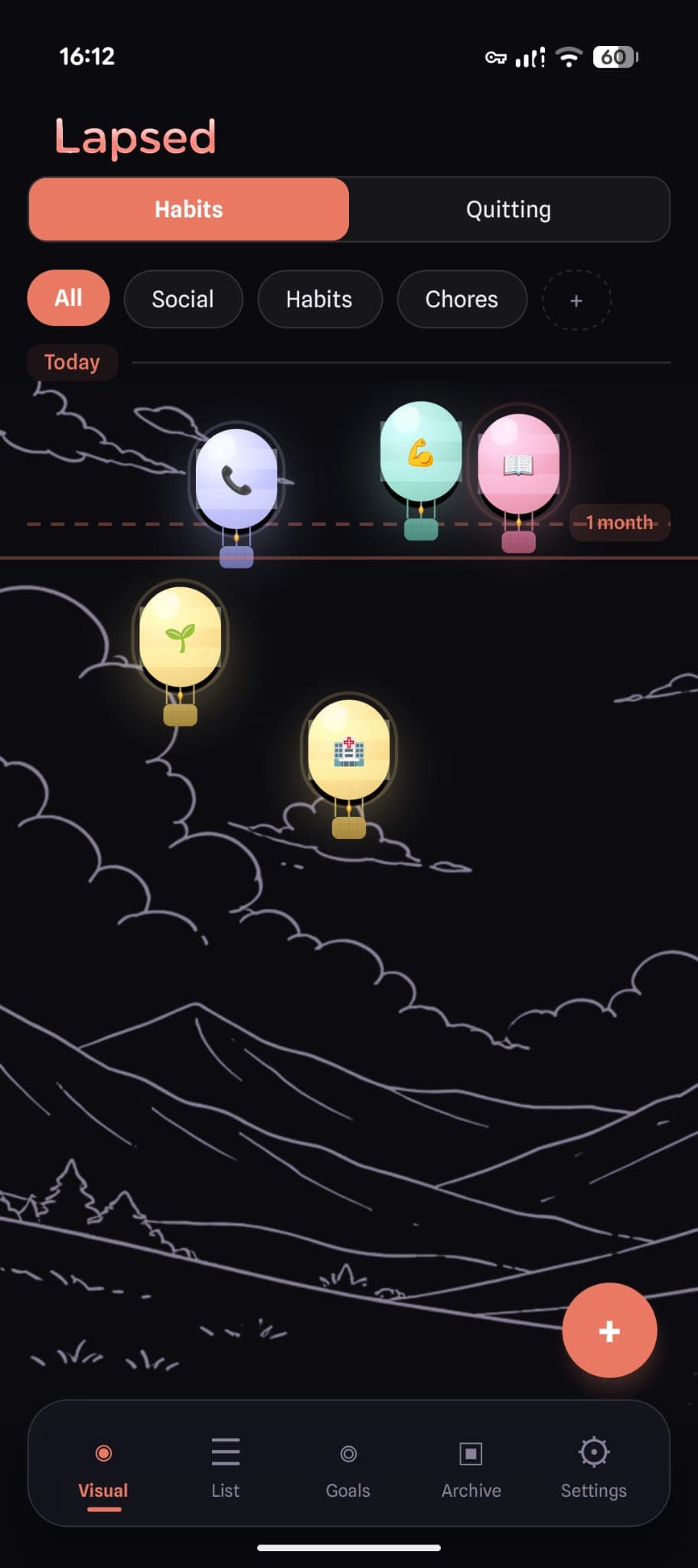
- For regular habits (exercise, reading, calling family): set a shorter threshold. The item gently drifts away on the visual canvas as time passes, then snaps back when you log it.
- For quitting (smoking, drinking, social media): no threshold needed. The counter simply grows, and the further the item drifts, the more progress you can see.
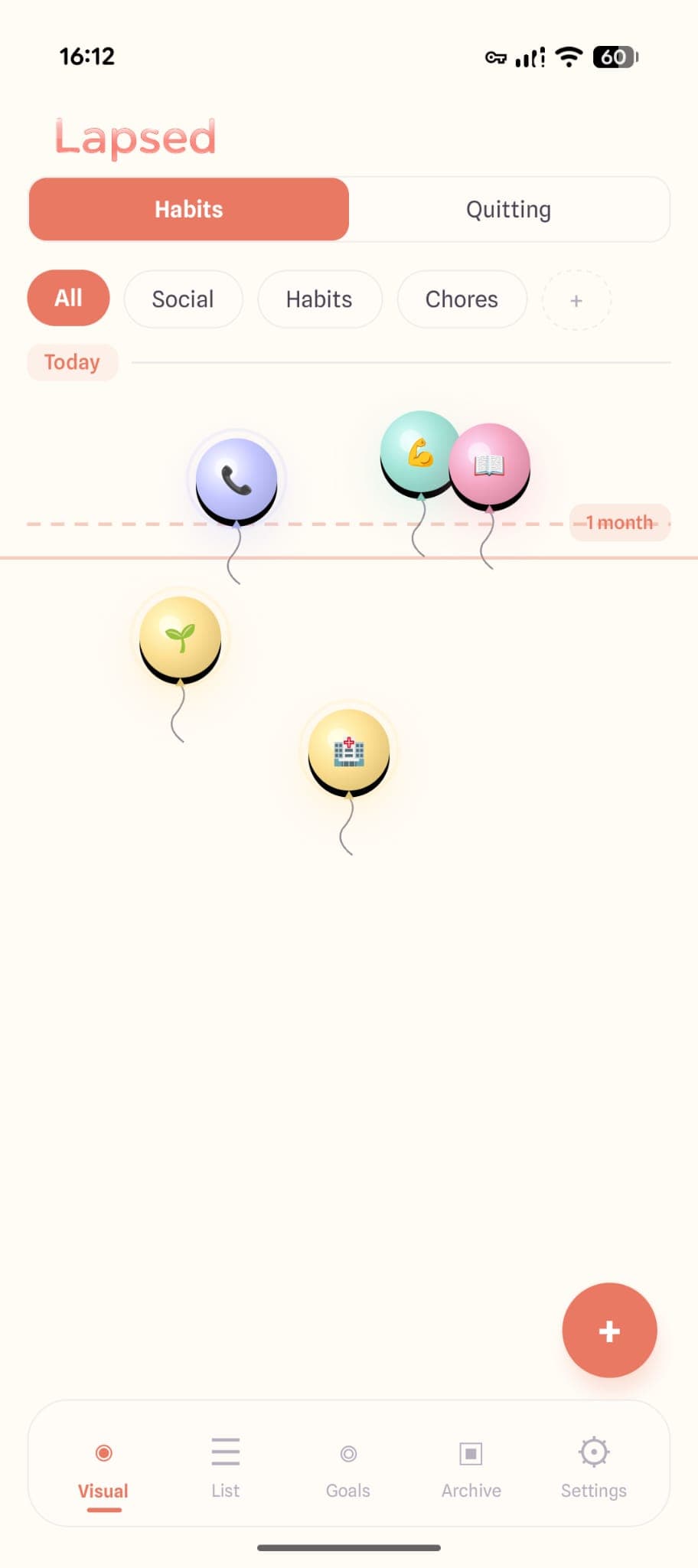
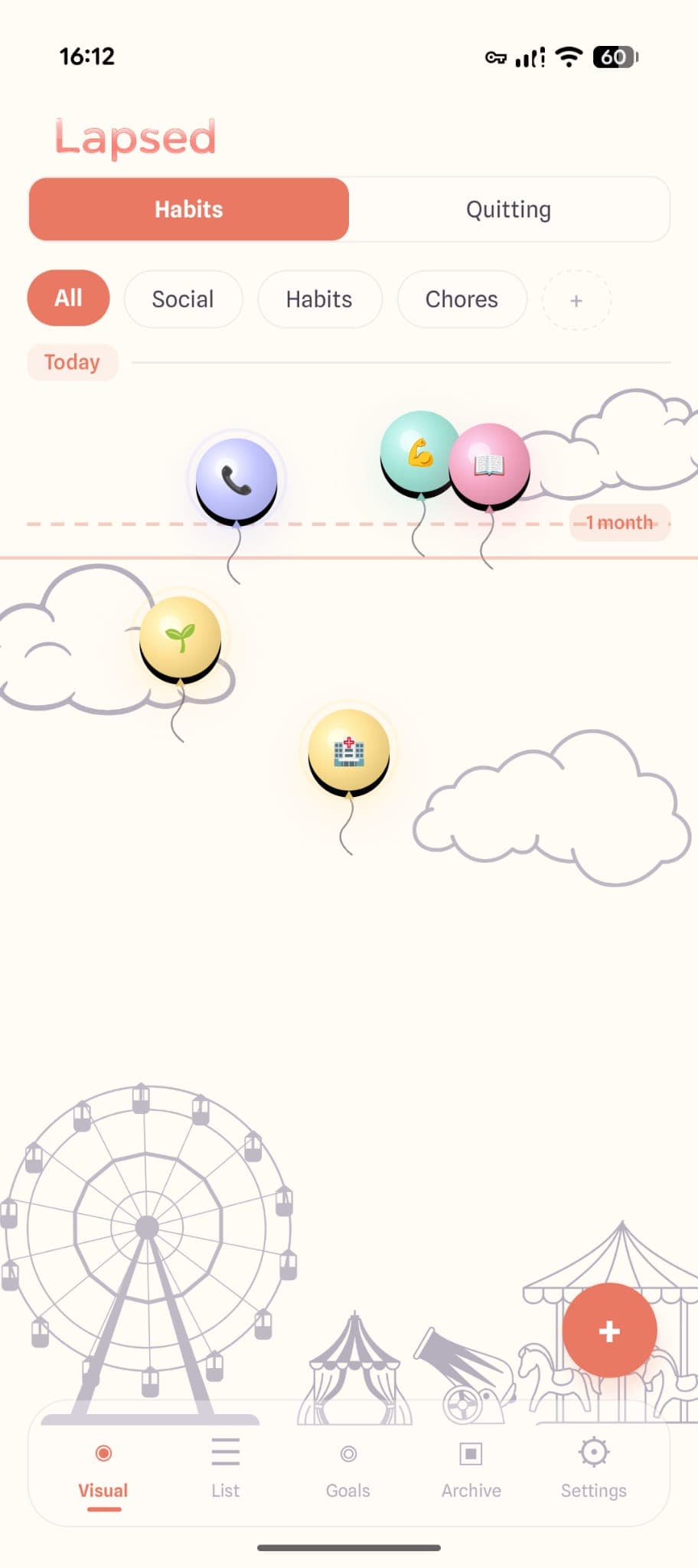
The visual canvas — where items float as dots, balloons, hot air balloons, spaceships, or jellyfish — makes elapsed time spatial rather than numerical. You do not read a number; you see distance. That works whether you are tracking a daily habit or a twice-yearly appointment.
Track habits and time — in one app
Lapsed combines the awareness of a days since tracker with the gentle nudging of a habit tracker. No checkboxes. No streaks. Just a visual canvas that shows you where you stand.
Choosing the Right Tool
Here is a simple test: look at the things you want to track. If most of them are daily activities you want to do every single day without exception, a traditional habit tracker might be the right fit.
But if your list includes a mix — some daily habits, some weekly routines, some periodic tasks, some things you are trying to quit — then a days since tracker with threshold support will serve you far better than a daily checkbox grid ever could.
The honest answer for most people is that they need both. Not two separate apps, but one tool flexible enough to handle the full range of things worth tracking. That is exactly where the days since tracker model shines: it starts from elapsed time and layers habits on top, rather than starting from daily streaks and awkwardly accommodating everything else.
If you have been bouncing between habit trackers wondering why none of them stick, try flipping the question. Stop asking "did I do it today?" and start asking "how long has it been?" You might find that the second question is the only one you needed all along.
See the difference for yourself
Download Lapsed and experience a tracker built around elapsed time, not daily checkboxes. Free on iOS and Android.
Written by Lapsed
The beautiful days since tracker. Track your life visually.
Related Articles
Days Since Tracker: The Complete Guide to Tracking How Long It's Been
Everything you need to know about days since trackers — what they are, how they work, and why a visual days since counter beats a plain number list. Free guide with app recommendations.
The Best Days Since Tracker Apps in 2026: An Honest Comparison
Looking for the best days since tracker or day counter app? We compare the top options — from sobriety counters to visual trackers — and explain what makes each one different.

Best Day Counter Apps in 2026: Track Days Since Anything
Looking for the best day counter app? We compare the top days-since tracker apps for iPhone and Android — from sobriety counters to visual habit trackers — with honest pros and cons for each.