The Best Days Since Tracker Apps in 2026: An Honest Comparison
If you search "days since tracker" on the App Store, you get a surprising spread of apps. Some are built for sobriety. Some are general-purpose counters. Some are visual. Most are lists of numbers. Finding the right one depends on what you actually want to track — and how you want to experience that information.
Here is an honest look at the major days-since tracker apps available in 2026, what each one does well, and where each one falls short.
What Is a Days Since Tracker?
A days since tracker (also called a day counter app or "time since" tracker) shows you how many days have elapsed since you last did something. Unlike habit trackers that ask "Did you do this today?" a days since tracker asks "How long has it been?"
This is a fundamentally different question — and it suits a different kind of tracking. Things like:
- When did I last go to the dentist?
- How long since I changed the air filter?
- When did I last call my parents?
- How many days since I quit smoking?
These are not daily habits. They are periodic actions with natural intervals. A days-since tracker makes those intervals visible.
The Apps
Days Since — Track Memories
Platform: iOS Price: Free with premium
This app takes a memory-focused approach. Events are stored as cards, each showing the days since it last happened. You can set reminders, organise by category, and add photos to your events.
What it does well: Clean design, photo support, and a focus on positive memories rather than obligations. Good for tracking milestones and anniversaries.
Where it falls short: Card-based list view means you are still reading numbers. No visual representation of time. As your list grows, you are scrolling through cards rather than seeing patterns at a glance.
Days Since: Quit Habit Tracker
Platform: iOS Price: Free with premium
As the name suggests, this one is laser-focused on quitting. Smoking, drinking, gambling — whatever you are trying to stop. Each habit gets a counter showing days, hours, and minutes since you last indulged.
What it does well: Clean interface, focused purpose. If quitting is your main goal, the simplicity is a strength.
Where it falls short: Extremely narrow. If you want to track anything other than quitting — health appointments, social catch-ups, home maintenance — this is not the app. The counter-focused design also lacks any visual metaphor for elapsed time.
I Am Sober
Platform: iOS and Android Price: Free with premium
One of the most popular sobriety tracking apps. Features daily pledges, milestone celebrations, a community of users sharing their journeys, and detailed statistics on your progress.
What it does well: Strong community features. The daily pledge system creates accountability. Milestone celebrations provide genuine motivation for sobriety specifically.
Where it falls short: Entirely sobriety-focused. The community and pledge features, while valuable for quitting, make the app feel inappropriate for tracking when you last watered your plants or visited the dentist. The design is functional but not visually distinctive.
Quitzilla
Platform: iOS and Android Price: Free with premium
Quitzilla adds a financial dimension to quitting: it calculates how much money you have saved by not indulging. It also tracks health milestones (for smoking cessation) and offers motivational quotes.
What it does well: The money-saved calculator is genuinely motivating for expensive habits like smoking or excessive online shopping. Progress bars add some visual dimension.
Where it falls short: Another quitting-only app. The gamification (rewards, achievements) can feel patronising for some users. No spatial or visual representation of time beyond progress bars.
Day Counter
Platform: Android Price: Free with ads, premium available
A straightforward count-up and count-down app. Create unlimited counters for anything, add widgets to your home screen, and track both "days since" and "days until" events.
What it does well: Versatile. Unlike the quitting-focused apps, this one works for anything — birthdays, anniversaries, maintenance schedules, whatever you need. Home screen widgets are useful for quick reference.
Where it falls short: Purely numerical. Every counter is a number on a list. No visual metaphor, no spatial representation, no way to see at a glance which items are overdue. Functional but uninspiring.
Loop Habit Tracker
Platform: Android (open-source) Price: Free
Loop is a beloved open-source habit tracker with a "habit strength" metric that goes beyond binary streaks. It is fully offline, respects privacy, and offers insightful analytics without any account or cloud dependency.
What it does well: Privacy-first approach. No account needed, data stays on your phone. The "habit strength" concept is more nuanced than streaks. Excellent analytics. Completely free with no ads.
Where it falls short: Android only. While it is more flexible than pure streak trackers, it is still fundamentally a daily-checkbox habit tracker rather than a days-since tracker. The design is clean but utilitarian.
Lapsed
Platform: iOS and Android Price: Free with Pro tier
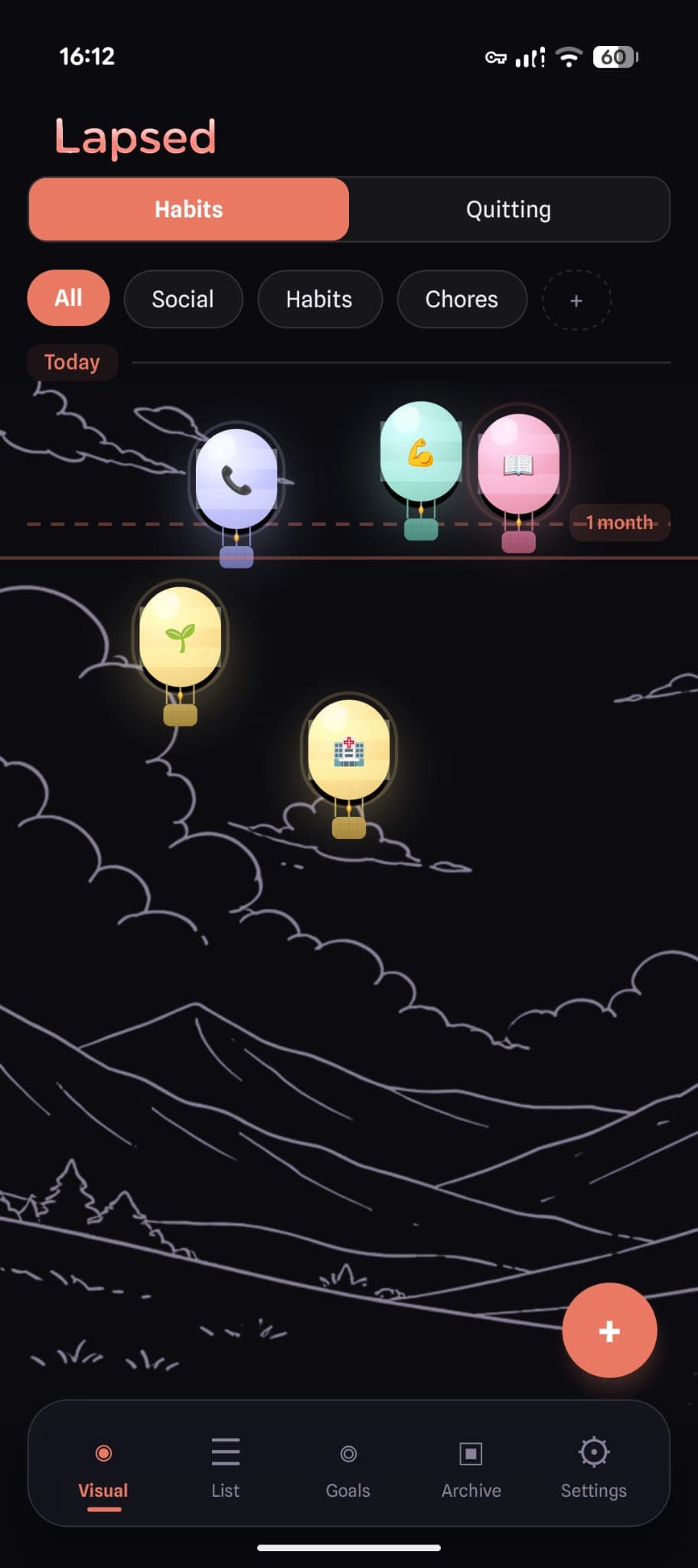
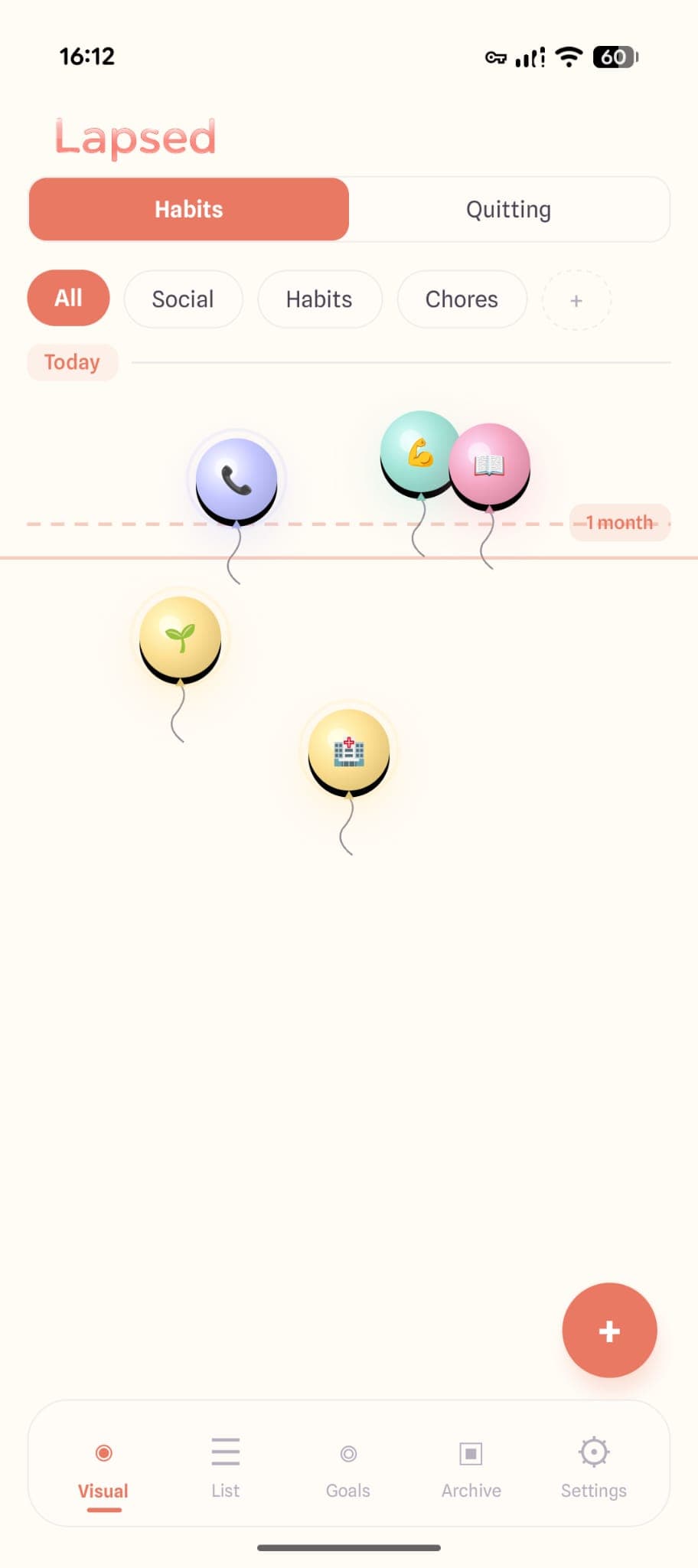
Lapsed takes a fundamentally different approach from every app listed above. Instead of showing days as numbers on a list, each tracked item becomes a visual element — a dot, a balloon, or a hot air balloon — floating on a canvas. Items drift further from today's line the longer it has been. A threshold line marks your target interval.
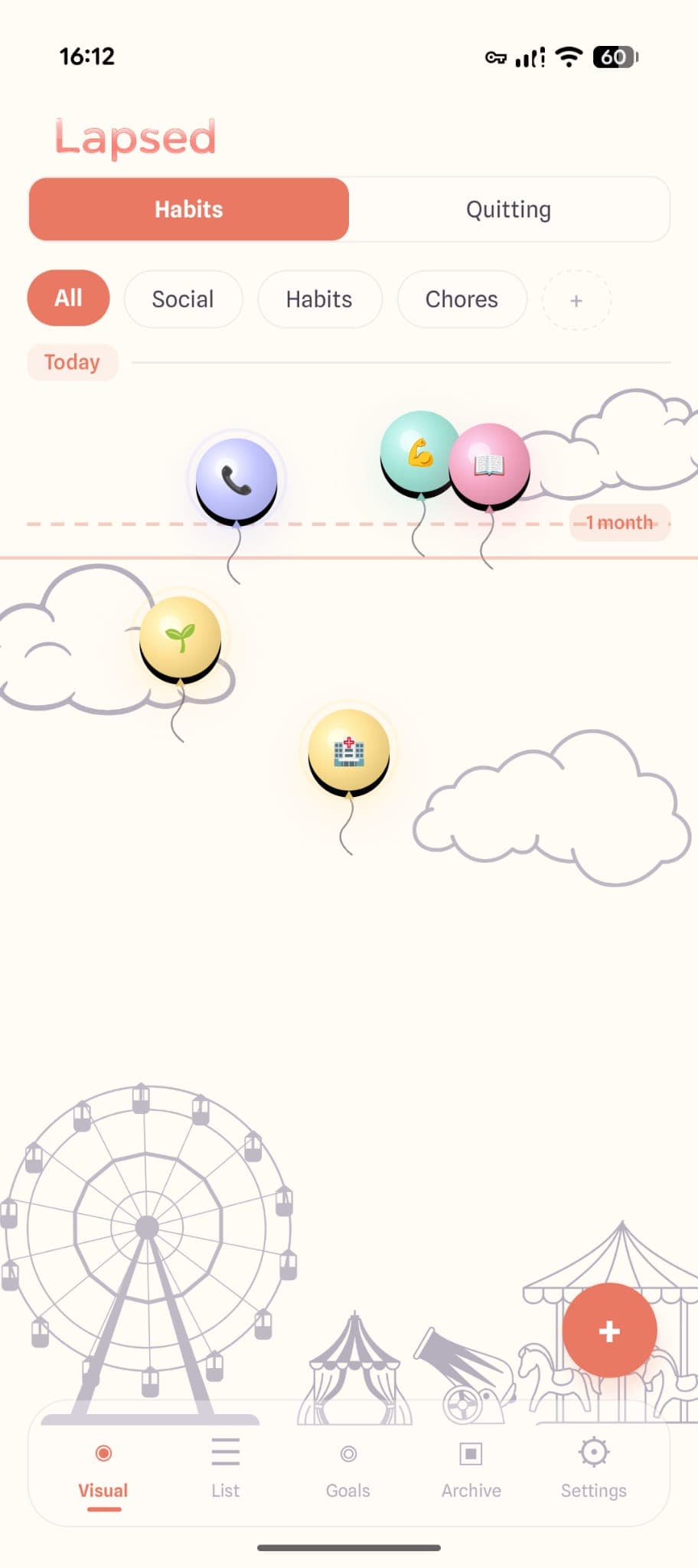
What it does well: The visual canvas is genuinely unique. No other days-since tracker represents elapsed time spatially. The threshold line replaces streaks entirely — nothing breaks, nothing resets. Glassmorphism design is distinctive and calming. Built for all of life, not just sobriety. Colour-coded categories, multiple visual styles, one-tap logging.
Where it falls short: The free tier is limited to 3 items in 1 category. No community features for people who benefit from social accountability.
How They Compare
| Feature | Days Since | I Am Sober | Quitzilla | Day Counter | Lapsed |
|---|---|---|---|---|---|
| Visual canvas | ✗ | ✗ | ✗ | ✗ | ✓ |
| General tracking | ✓ | ✗ | ✗ | ✓ | ✓ |
| Quitting support | ✗ | ✓ | ✓ | ✓ | ✓ |
| Threshold line | ✗ | ✗ | ✗ | ✗ | ✓ |
| Categories | ✓ | ✗ | ✗ | ✗ | ✓ |
| Multiple visual styles | ✗ | ✗ | ✗ | ✗ | ✓ |
| iOS | ✓ | ✓ | ✓ | ✗ | ✓ |
| Android | ✗ | ✓ | ✓ | ✓ | ✓ |
| Free tier | ✓ | ✓ | ✓ | ✓ | ✓ |
What to Look For in a Days Since Tracker
Regardless of which app you choose, here are the qualities that matter most:
1. General-Purpose, Not Niche
Unless you specifically need a sobriety tracker, choose an app that works for all of life. Health appointments, social catch-ups, home maintenance, exercise, creative projects — a good days-since tracker handles all of these.
2. Visual Clarity
Can you tell what needs attention at a glance? The best trackers communicate urgency without making you read through a list. Whether through colour, position, size, or some other visual property — the information should be obvious.
3. Flexible, Not Rigid
Life is not perfectly consistent. You will have weeks where everything gets done and weeks where life gets in the way. Your tracker should accommodate both without punishing you for the latter.
4. Beautiful Enough to Open Daily
This sounds superficial, but it is not. You need to want to open your tracker. If it is ugly, boring, or stressful to look at, you will avoid it. The app's design directly affects whether you use it.
✨ The real test
Download two or three apps from this list and try each for a week. The one you find yourself actually opening — not because you feel you should, but because you want to — is the right one for you.
5. Respectful of Your Attention
No guilt trips, no aggressive notifications, no "you missed a day!" pop-ups. The best tracker is one that informs without nagging and motivates without shaming.
The Visual Difference
The biggest differentiator in 2026's days-since tracker market is not features — most apps offer similar basic functionality. It is how they present information.
Every app except Lapsed uses some variation of a numbered list. Cards, rows, counters — the format varies, but the core is the same: read a number, compare it to your mental target, decide if action is needed.
Lapsed replaces this with a spatial canvas. Items are positioned based on elapsed time. The threshold line provides an immediate reference point. Colour distinguishes categories. The entire cognitive load of "What needs attention?" is reduced to a glance at a canvas — no reading, no comparing, no mental arithmetic.
Whether this visual approach resonates with you is personal. But if you have tried numbered lists and found them forgettable, it is worth experiencing the alternative.
See your time differently
Try Lapsed's visual canvas free. Three items, one category, no time limit. See if spatial tracking resonates with you.
Read about why simple tracking works better than complex habit apps, or explore 10 things you should be tracking for ideas on what to add to your days-since tracker.
The days since tracker for your whole life
Not just sobriety. Not just habits. Everything that matters — tracked visually, beautifully, and without guilt.
Written by Lapsed
The beautiful days since tracker. Track your life visually.
Related Articles
Why Lapsed Is Different From Every Other Days Since Tracker
Most day counter apps are built for sobriety tracking. Lapsed is a days since tracker for everything in your life — with a design that makes time tracking beautiful and engaging.
Days Since Tracker vs Habit Tracker: Which Do You Actually Need?
The difference between a days since tracker and a habit tracker is more than semantics. One asks 'did you do it today?' while the other asks 'how long has it been?' Here is why most people need the latter.

The Best Sobriety Day Counter Apps in 2026: Track Your Progress Without Pressure
Looking for a sobriety tracker that celebrates your journey without punishing a slip? Compare the best sober day counter apps — from I Am Sober to Lapsed — and find the right fit for your recovery.