
Track Everything in Your Life With One App: The Case for a Simple Life Tracker
How many apps do you have for tracking things? A habit tracker for exercise. A sobriety counter for quitting. A home maintenance list for chores. A note somewhere about when you last called your mum. A calendar reminder for the dentist.
Five apps for five aspects of the same question: how long has it been?
There is a simpler way.
The Problem With Specialised Trackers
Every tracking app solves one problem well. Sobriety apps count days since you quit. Habit apps track daily streaks. Home maintenance apps list tasks with due dates. Each one works in isolation.
But your life is not isolated. Your health, social connections, home, habits, and quitting goals are all part of the same picture. When they are scattered across apps, you lose the overview. You check one app but forget another. Something important falls through the cracks — not because you do not care, but because it lives in an app you have not opened in weeks.
💡 App fatigue is real
The average smartphone user has 80 apps installed but actively uses fewer than 10. Every additional tracking app you install competes for space in that top 10. Most lose. The tracking habit dies not because of willpower, but because of fragmentation.
What a Life Tracker Actually Needs
A single app that tracks everything in your life needs four things:
1. Categories
Your dentist appointment and your exercise routine are different types of tracking. A life tracker needs categories — health, social, chores, habits, quitting — so you can organise without chaos.
2. Flexible Thresholds
"Call mum" should remind you at 7 days. "Change air filter" at 60 days. "Dentist" at 180 days. A life tracker needs per-item thresholds, not a single daily/weekly/monthly frequency.
3. Visual Clarity
With 10 or 20 items across different categories, a text list becomes unreadable. The tracker needs a visual system that lets you glance at everything and instantly know what needs attention.
4. A Reason to Open It
This is the hardest requirement. If the app is ugly or boring, you will not open it. If you do not open it, you will not log. If you do not log, the data is worthless. A life tracker must be something you want to look at.
One Canvas for Your Entire Life
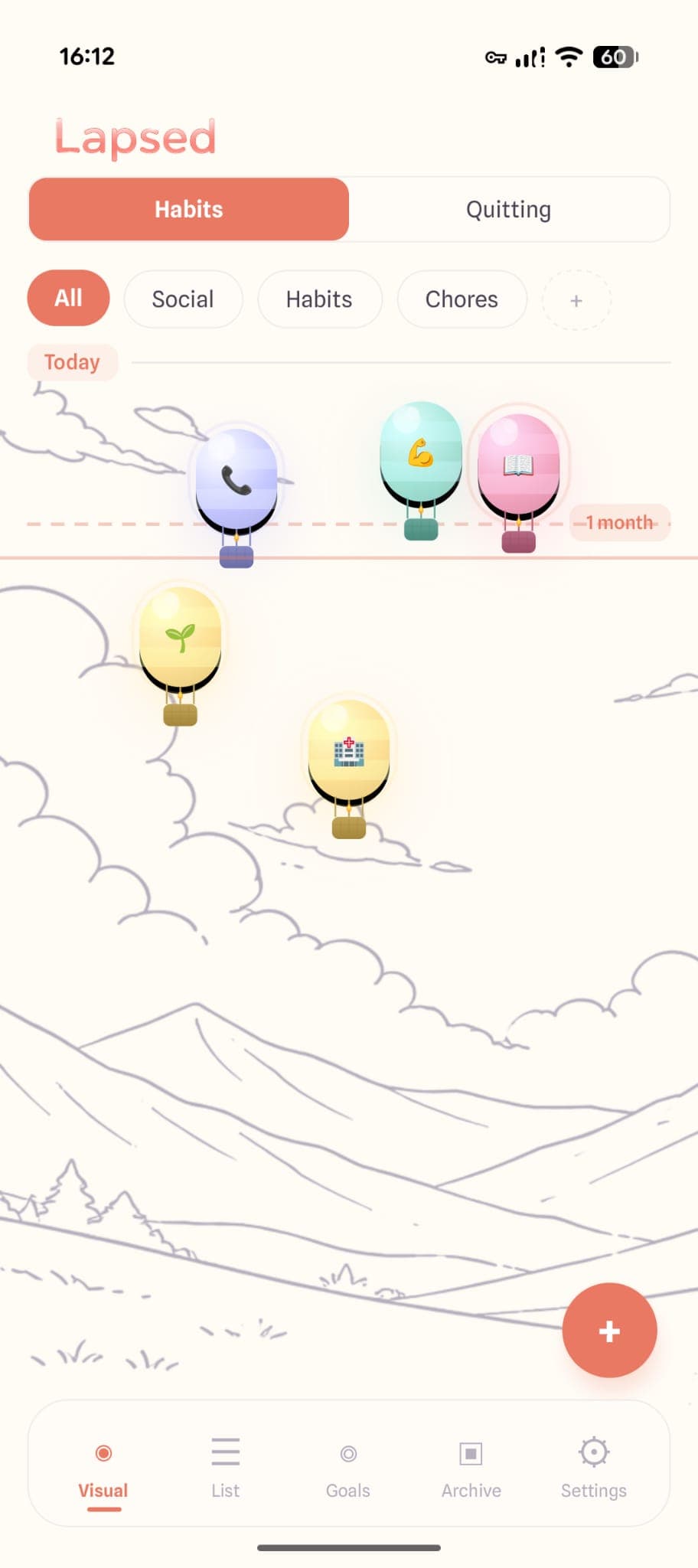
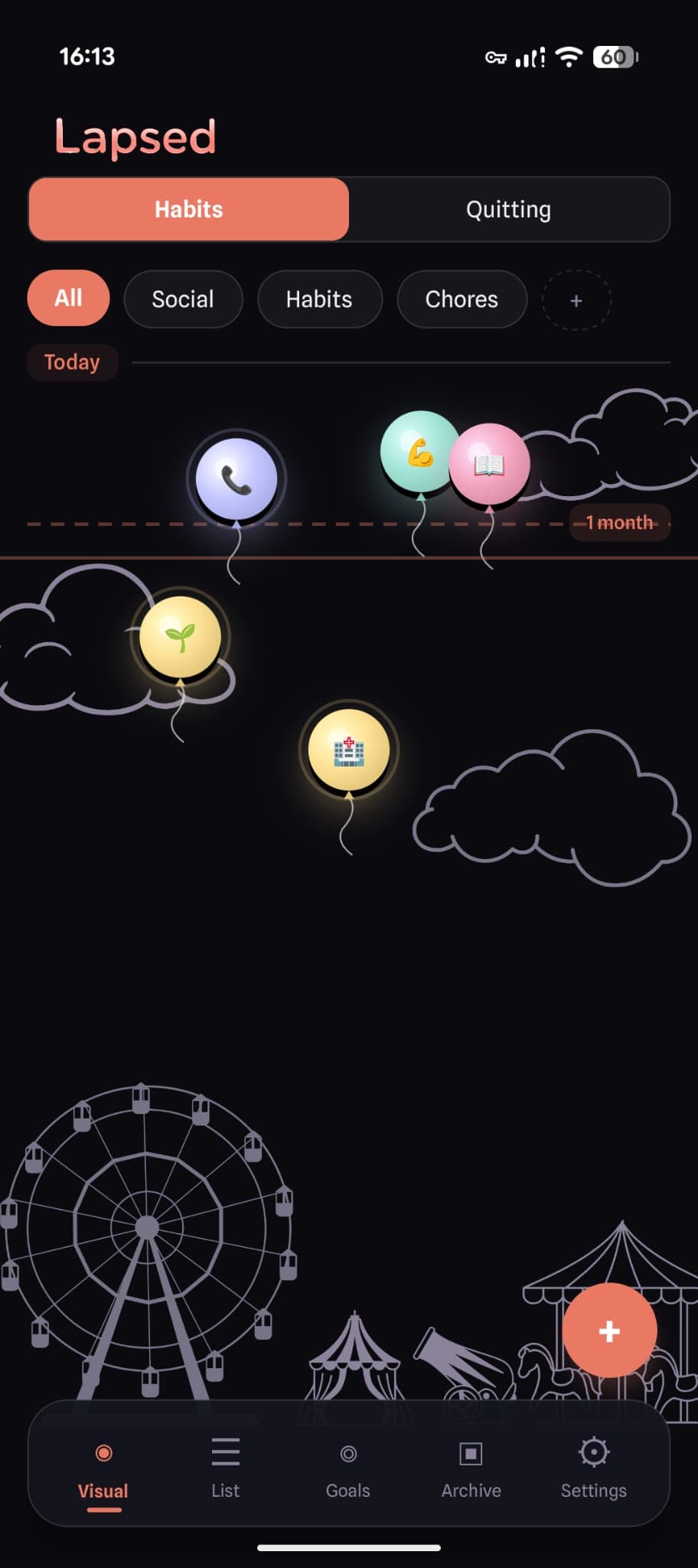
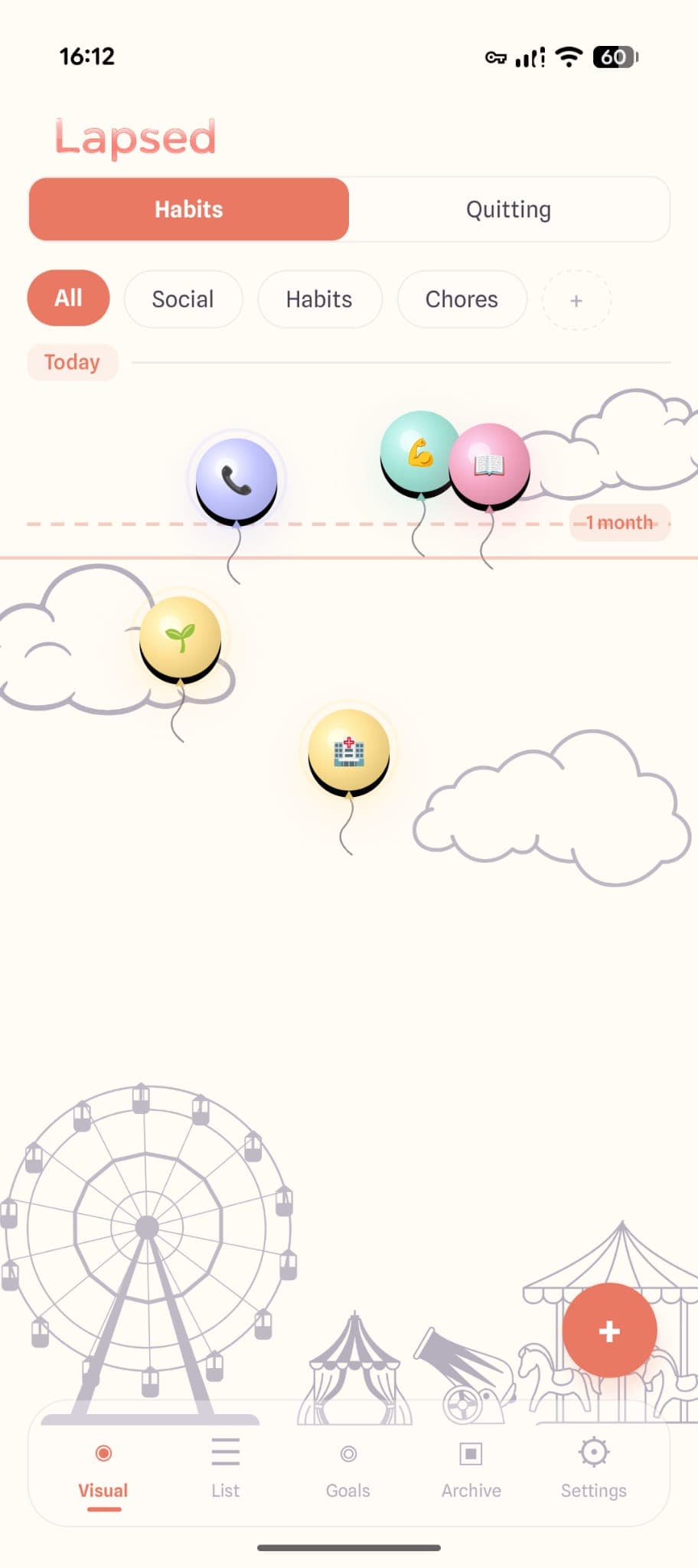
Lapsed solves this by putting everything on a visual canvas. Every item — whether it is a habit, a quitting goal, a health appointment, or a social catch-up — appears as a floating dot, balloon, hot air balloon, spaceship, or jellyfish.
Items you did recently cluster near today. Items you have not done in a while drift further away. Items past their threshold are visually overdue.
The result is a single screen that answers every "how long has it been?" question at once.
How It Works in Practice
Imagine your Lapsed canvas with these items:
Social (mint category)
- Call parents — threshold: 7 days
- Catch up with Alex — threshold: 14 days
- Date night — threshold: 10 days
Health (coral category)
- Exercise — threshold: 2 days
- Dentist — threshold: 180 days
- Eye test — threshold: 365 days
Home (yellow category)
- Water filter — threshold: 60 days
- Deep clean kitchen — threshold: 30 days
- Smoke alarm check — threshold: 180 days
Quitting
- Days since alcohol — no threshold, just counting up
All on one canvas. All colour-coded by category. All showing their distance from today visually. You open the app and in two seconds you know: exercise is overdue, the water filter is fine, and you should call your parents this weekend.
No switching between apps. No mental juggling. One glance.
✨ Start with 5-8 items
When setting up a life tracker, resist the urge to add everything at once. Start with 5-8 items across 2-3 categories. Live with it for a week. Add more only when the first batch feels natural. This prevents overwhelm and lets you find your rhythm.
Categories That Cover Everything
Lapsed comes with suggested categories, but you can create your own. Here is a framework that covers most of life:
Social — relationships, calls, visits, catch-ups Health — exercise, appointments, medication, self-care Home — maintenance, cleaning, repairs, admin Habits — anything you want to do regularly Quitting — anything you want to stop doing
Five categories. One app. Every periodic task in your life, visible on a single canvas.
The Alternative: Notion, Spreadsheets, and Custom Systems
Some people build elaborate life tracking systems in Notion, Google Sheets, or Airtable. These can be powerful, but they share a fatal flaw: maintenance overhead.
A custom system requires you to be the designer, the developer, and the user. When life gets busy — which is exactly when you need tracking most — the system is the first thing you stop maintaining.
A dedicated app removes the overhead. Open it, log the thing, close it. The app handles the visual display, the threshold calculations, and the history. You just live your life and log as you go.
Tracking as Self-Awareness
The real value of a life tracker is not productivity. It is self-awareness.
When you can see your entire life on one canvas, patterns emerge. You notice that you always let social connections slip when work gets busy. You see that home maintenance clusters into bursts of activity followed by long gaps. You realise your health appointments are consistently overdue.
These patterns are invisible when tracking is fragmented across apps. They become obvious when everything is on one canvas.
You are not tracking to optimise. You are tracking to see.
Your whole life on one canvas
Habits, health, social, home, quitting — all on a single beautiful visual canvas. Categories keep things organised. Thresholds show what needs attention. One app for everything.
Learn about the 10 best things to track with a day counter or read why simple tracking works better than complex systems.
Replace five apps with one
Stop switching between habit trackers, sobriety counters, and maintenance lists. Lapsed puts everything on one visual canvas — beautifully.
Written by Lapsed
The beautiful days since tracker. Track your life visually.
Related Articles
Why an Aesthetic Habit Tracker Actually Works Better: Beauty as a Feature
Most habit trackers are ugly and forgettable. An aesthetic tracker with glassmorphism, spatial UI, and calm colours changes your relationship with tracking entirely. Here is why design matters more than features.
Days Since Tracker for Android: Lapsed Finally Brings Visual Tracking to Google Play
Android users finally have a proper days since tracker. Lapsed brings its visual canvas, threshold lines, and category system to Google Play — here is what makes it different from Day Counter and other Android options.
Days Since Tracker for Couples: Be More Intentional About Your Relationship
Use a days-since tracker to stay intentional about date nights, quality time, and thoughtful gestures. Not a couples app — a personal tool that helps you notice when you are drifting.