The Best Habit Tracker for ADHD: Why Visual, Guilt-Free Tracking Actually Works
If you have ADHD, you have probably downloaded, tried, and abandoned at least five habit tracker apps. Maybe more. It is not your fault — they were not designed for how your brain works.
Most habit trackers are built on a simple premise: check off your habits every day, build a streak, do not break the chain. For neurotypical brains, this can work. For ADHD brains, it is a recipe for guilt, shame, and app abandonment within two weeks.
Here is why — and what actually works instead.
Why Most Habit Trackers Fail ADHD Brains
The ADHD brain has a fundamentally different relationship with motivation, consistency, and reward. Understanding this explains why traditional trackers fall apart:
Streak Guilt Hits Harder
When a neurotypical person breaks a streak, they feel disappointed and move on. When someone with ADHD breaks a streak, it can trigger a cascade: shame, avoidance, rejection sensitivity, and the conclusion that "I just cannot do this." The streak becomes proof of failure rather than a tool for improvement.
Research shows that people who think in all-or-nothing terms are over three times more likely to abandon goals completely after a single slip. ADHD brains are especially prone to this black-and-white thinking.
💡 The streak trap
Studies suggest that 92% of habit tracking attempts fail within the first 60 days. For people with ADHD, the number is likely higher — because the very mechanism most trackers use (streaks) actively works against ADHD neurology.
Too Many Fields and Options
Apps like Habitica and Productive are powerful — but they are also complex. Multiple habit types, scheduling options, categories, notes, statistics, social features. For ADHD, this complexity is a barrier. The setup process alone can trigger executive function paralysis.
You do not need a Swiss Army knife. You need one sharp tool that works immediately.
Boring Design Means No Dopamine
ADHD brains are driven by interest, novelty, and visual stimulation. A plain list of text with checkboxes does not generate enough dopamine to make you want to open the app. If the app is not interesting to look at, you will not look at it. It is that simple.
The All-or-Nothing Trap
Most trackers are binary: you either did the thing or you did not. There is no room for "I did a short version" or "I did it three times this week instead of seven." For ADHD, where consistency varies naturally, this rigidity is punishing.
What ADHD-Friendly Tracking Looks Like
An ADHD-friendly habit tracker should:
- Give you visual, dopamine-generating feedback — not just text and checkboxes
- Have no streaks to break — removing the shame cycle entirely
- Be simple to set up — minimal friction between download and first use
- Use flexible thresholds — "do not let it drift too far" instead of "do it every single day"
- Look beautiful and calming — so you actually want to open it
- Require one tap to log — because executive function is finite
Visual Canvas
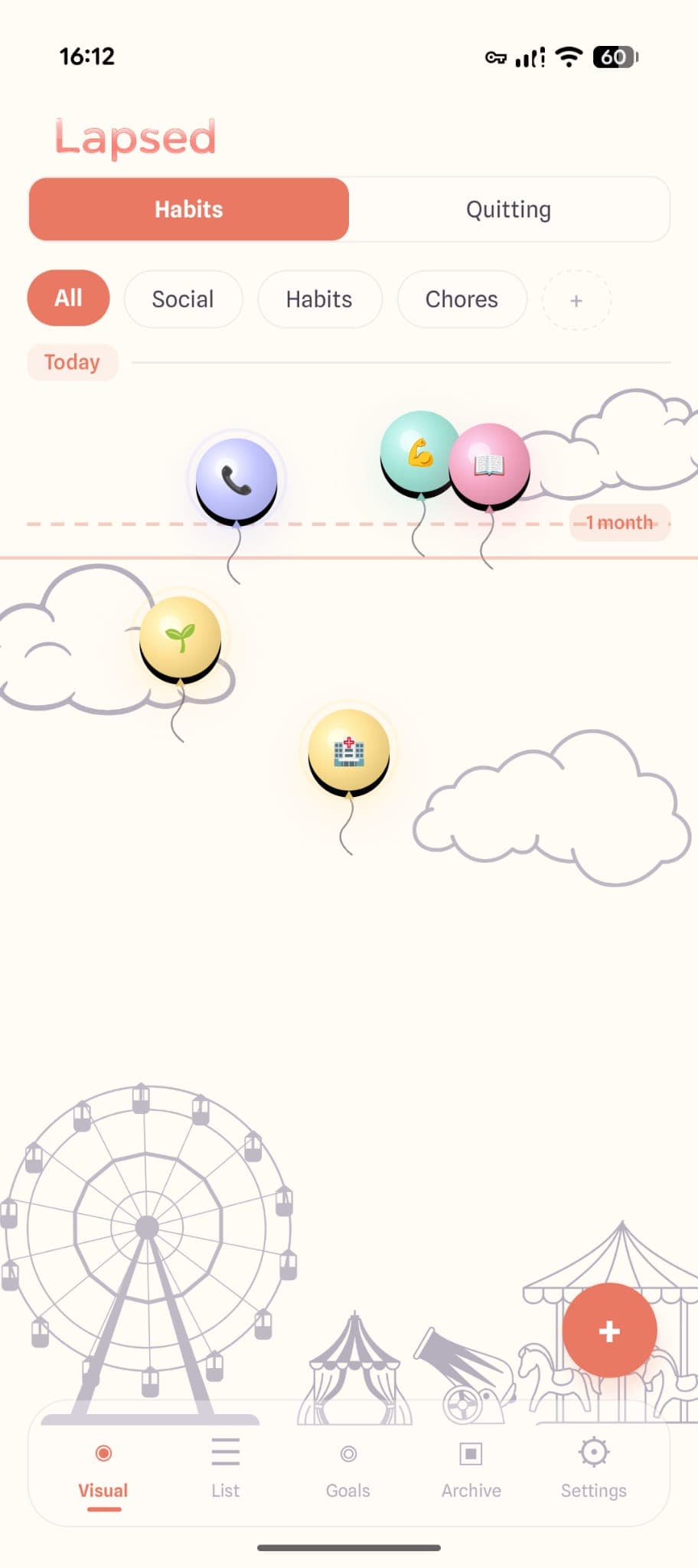
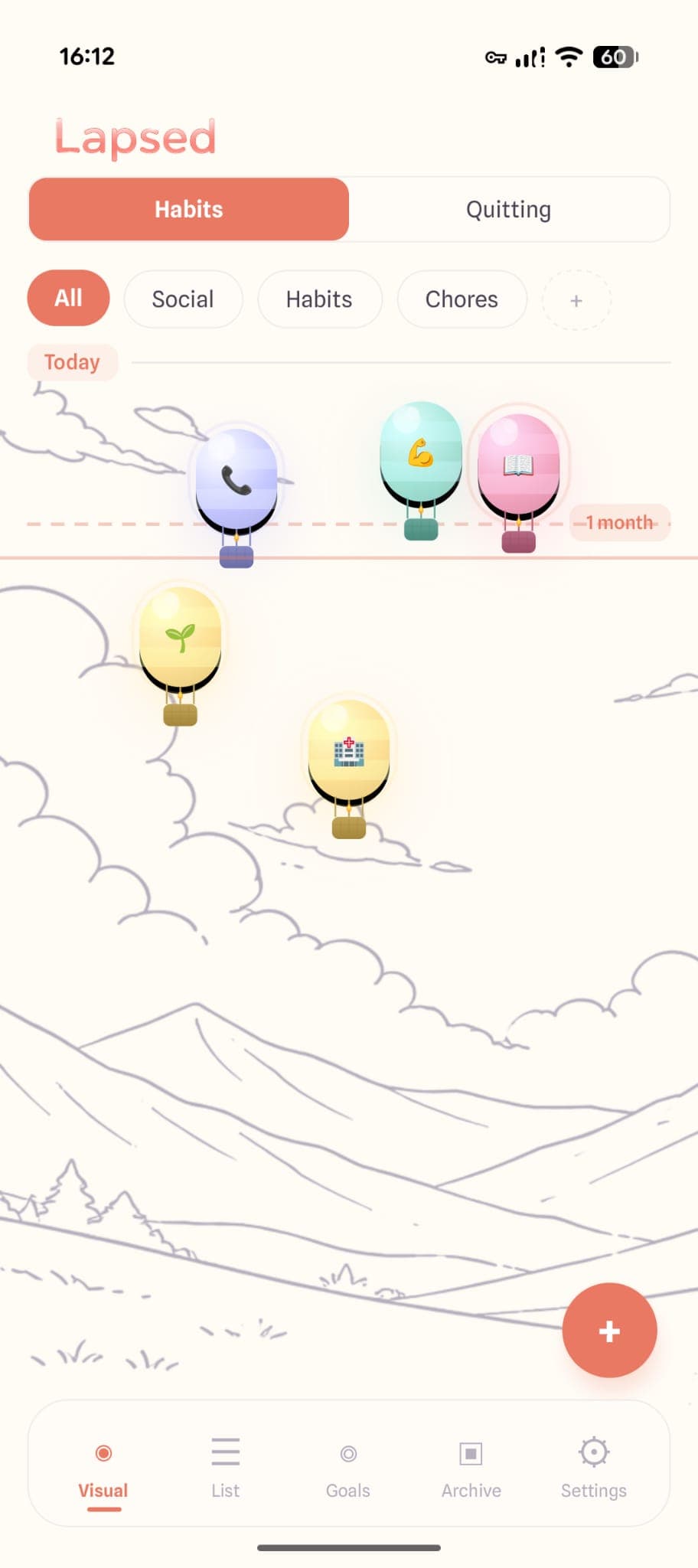
Items float as dots, balloons, or hot air balloons on a canvas. Visual stimulation that generates the interest ADHD needs.
No Streak Guilt
There are no streaks in Lapsed. Nothing resets. Nothing breaks. Items just drift — and snap back when you log them.
Flexible Thresholds
A threshold line replaces daily targets. Exercised 3 times this week? Great — your dot stays near the line. No guilt for skipping a day.
Glassmorphism Design
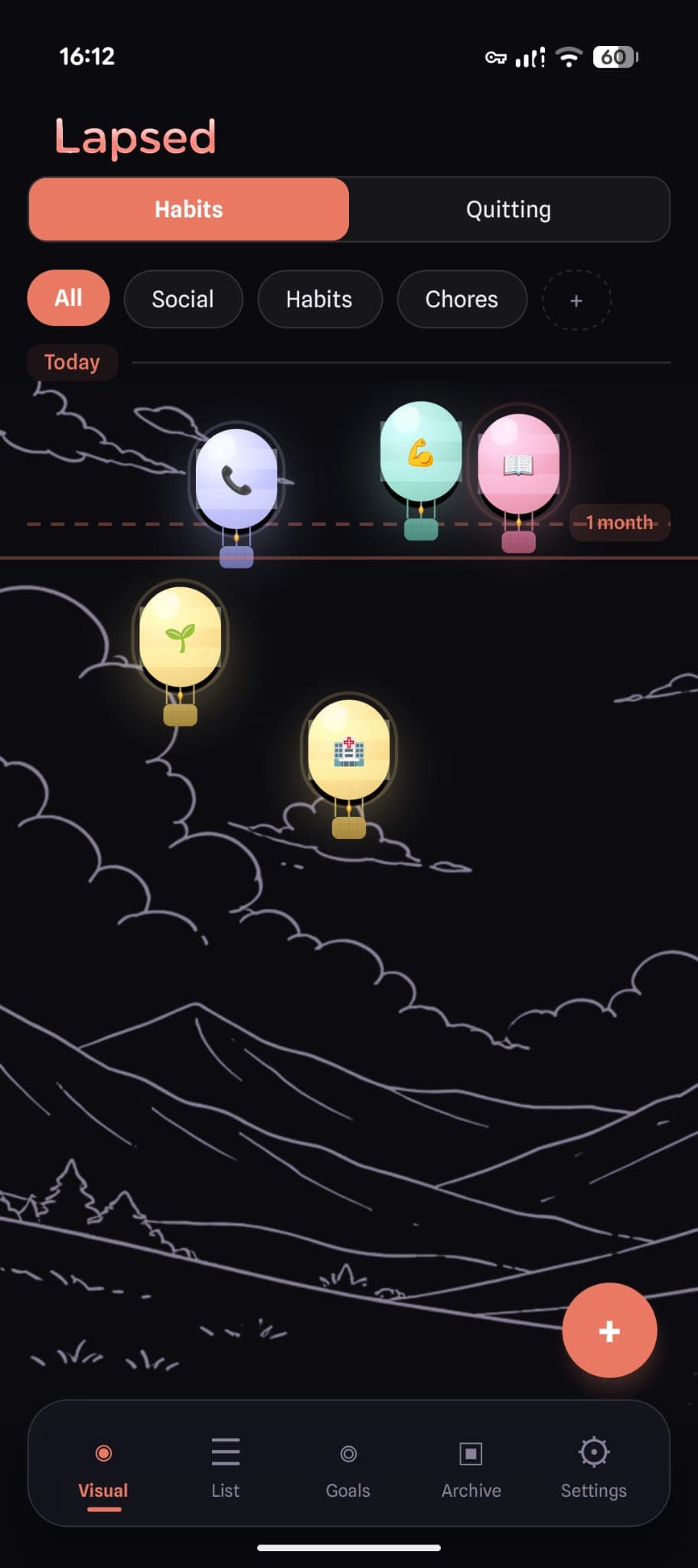
Frosted glass cards, soft pastels, gentle animations. Calming enough for anxious moments, beautiful enough to keep opening.
One-Tap Logging
Tap an item, confirm, done. No forms, no notes, no friction. Works even on low executive function days.
Categories for Structure
Colour-coded categories (Social, Health, Chores, Habits, Quitting) provide external structure that ADHD brains benefit from.
How Lapsed Works Differently
Lapsed is a days since tracker — it shows you how long it has been since you last did each thing. But instead of displaying a list of numbers, it places each item on a visual canvas.
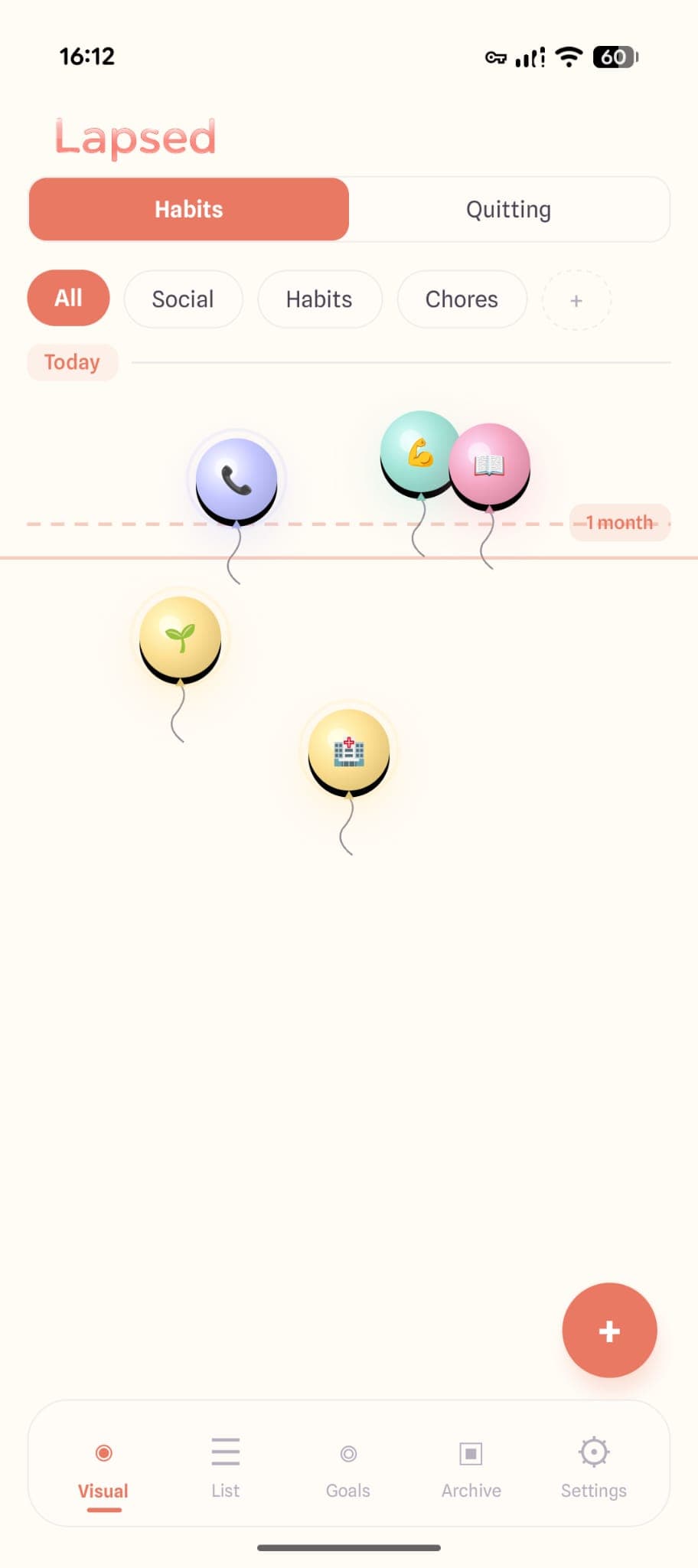
Items near today's line are recent. Items drifting away need attention. A threshold line marks your target. The entire state of your life is visible at a glance — no reading lists, no counting checkboxes.
The Visual Canvas Is Dopamine-Friendly
Each visual style — dots, balloons, and hot air balloons — creates a canvas that is genuinely interesting to look at. The colours, the movement, the spatial relationships. For ADHD brains that crave visual stimulation, this is the difference between an app you open and an app you forget about.
The Threshold Line Replaces Streaks
This is the most important difference for ADHD. There are no streaks in Lapsed. Nothing to break. Nothing that resets to zero.
Instead, you set a threshold line — say, 4 days for exercise. If you exercise every 3-4 days, your dot stays comfortably near the line. If life gets chaotic and you miss a week, the dot drifts further away. No alarm bells, no broken streak notification, no guilt. Just a gentle visual: "this one has drifted a bit — maybe give it some attention."
The mindset shifts from "I must do this every day or I have failed" to "I should not let this drift too far." For ADHD, this reframe is everything.
✨ The ADHD-friendly mindset
"Do not let it drift too far" works with ADHD because it accommodates natural variation. Some weeks you are on fire. Some weeks are harder. Both are fine — as long as nothing drifts beyond your threshold for too long.
Categories Provide External Structure
ADHD brains often struggle with categorisation and prioritisation. Lapsed's built-in categories — Social, Health, Chores, Habits, Quitting — provide a ready-made structure. Each has its own colour, so you can see at a glance which area of your life needs attention without having to think about it.
A Complementary Tool: Sprout for Daily Tasks
Lapsed tracks recurring habits — things you do periodically and want to keep from drifting too far. But what about your daily tasks? The things you need to get done today?
That is where Sprout: Smart ADHD Task App comes in. Sprout is designed specifically for ADHD task management — helping you break down, prioritise, and actually complete daily tasks. While Lapsed handles the "when did I last...?" question, Sprout handles the "what do I need to do today?" question.
Together, they cover both sides of ADHD productivity:
- Lapsed — recurring habits, maintenance tasks, social check-ins (periodic)
- Sprout — daily to-dos, project tasks, immediate priorities (daily)
✨ The ADHD productivity pair
Use Lapsed to make sure nothing important drifts too far. Use Sprout to manage what needs doing today. Two focused tools that each do one thing well — instead of one bloated app that tries to do everything.
Quick Start for ADHD Users
If executive function is low right now and you just want to get started, here is the minimum:
✨ 3-step ADHD quick start
- Download Lapsed and pick one category (Health is a good start)
- Add 2-3 items — things you know you should do more often (dentist, exercise, call mum)
- Set thresholds that are realistic, not aspirational — if you exercise twice a week, set 4 days, not 1 day
That is it. Open the app once a day. Tap items when you do them. Watch the dots snap back. Do not overthink it.
Try ADHD-friendly habit tracking
No streaks. No guilt. No complexity. Just a beautiful visual canvas that shows you what needs attention.
Frequently Asked Questions
Is Lapsed free?
Yes. The free tier gives you 3 items in 1 category with the dots visual style, a threshold line, and one reminder per item. No time limit, no trial period. Upgrade to Pro only if you want unlimited items and categories.
Does Lapsed use streaks?
No. Lapsed uses a threshold line instead of streaks. There is nothing to break, nothing that resets. Items drift away from today's line the longer it has been — and snap back when you log them. This is a fundamentally different and less punishing approach to tracking.
Can I use Lapsed with other ADHD tools?
Absolutely. Lapsed pairs especially well with Sprout for daily task management. Lapsed handles periodic habits while Sprout handles daily tasks — two focused tools instead of one bloated app.
What makes Lapsed different from other ADHD habit apps?
Three things: visual feedback instead of checkboxes, threshold lines instead of streaks, and glassmorphism design that is both calming and visually stimulating. Most "ADHD-friendly" apps just add gamification (like Habitica). Lapsed rethinks the core model entirely.
Read more about the power of visual tracking and why Lapsed is different from other trackers.
Built for how your brain actually works
Lapsed is the habit tracker that does not punish you for being human. Visual, flexible, and genuinely guilt-free.
Written by Lapsed
The beautiful days since tracker. Track your life visually.
Related Articles
Why Lapsed Is Different From Every Other Days Since Tracker
Most day counter apps are built for sobriety tracking. Lapsed is a days since tracker for everything in your life — with a design that makes time tracking beautiful and engaging.
Why a Visual Canvas Habit Tracker Changes Everything About How You Track
Lists and numbers are how most habit trackers work. But the brain processes spatial information faster and remembers it longer. Here is why a visual canvas approach to habit tracking is fundamentally more effective.
Lapsed Visual Canvas: Glassmorphism Design That Makes Habit Tracking Beautiful
Frosted glass cards, floating balloons, jellyfish, and spaceships — inside the design philosophy of the most beautiful habit tracker app. Learn why glassmorphism makes you open your tracker more.